
GoAskErin at DEMA
I’ll be speaking in the Image Resource Center on Friday, November 3rd, 2017.
The Topic is: “Dirty Tricks for Underwater Photographers in Post”.
Here’s a link to additional details.
Hope to see you there!
Show Floor — Booth #523
I’ll be speaking in the Image Resource Center on Friday, November 3rd, 2017.
The Topic is: “Dirty Tricks for Underwater Photographers in Post”.
Here’s a link to additional details.
Hope to see you there!
Show Floor — Booth #523
The Go Ask Erin Water Replacement Starter Pack provides more than 50 underwater backgrounds and 45 minutes of detailed tutorial video to help jumpstart your mastery of Photoshop’s amazing Sky (aka Water) Replacement feature. Available Now!
It’s not possible to permanently trash images while working in a Collection…or is it? By default, images deleted from a Collection are not permanently deleted from the Lightroom Catalog or (more importantly) from your hard drive.
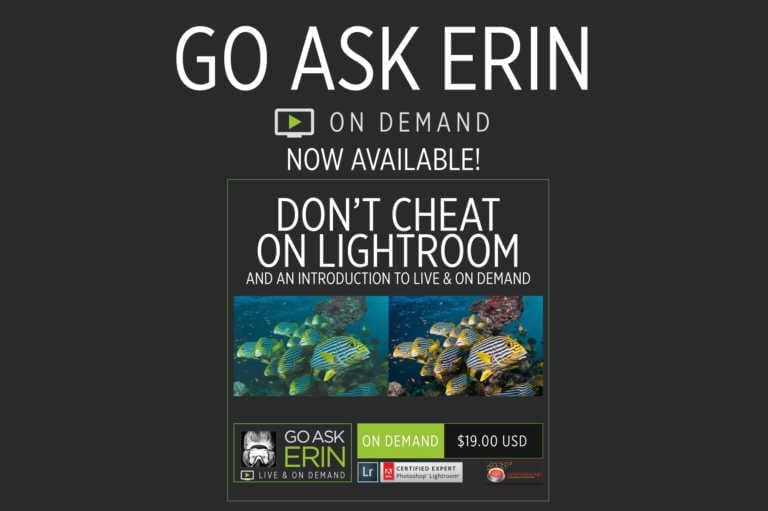
Sometimes there’s a silver lining. While in the midst of my self-quarantine after returning from Cuba, hunkering down for what’s sure to be a bumpy ride, necessity IS the mother of invention. With the unexpected gift of time to spare, I’m thrilled to announce Go Ask Erin Live and On Demand, in partnership with Joel and Jennifer Penner of Newmediasoup, LLC.
Yes, the answer is yes. Upgrade your Lightroom Catalog when asked. Every time you upgrade, Lightroom takes the name of your current catalog and appends it with a number.
A killer keyboard shortcut for going from the Lightroom Classic Library Module directly to the Masking Panel in the Develop Module is “Shift-W”.
Nerd Alert! The Mystery of the Missing HSL Panel SOLVED!